
Grid mode is an experimental feature. It offers fewer site management options than Table mode and queries WordPress.com servers to capture site screenshots.
Prerequisites
- Access to a MainWP Dashboard site
- At least one connected child site
Switch Between Table and Grid View
1
Navigate to Sites > Manage Sites
Open your MainWP Dashboard and go to Sites > Manage Sites.
2
Locate the view toggle icons
At the top right of the sites area, find the Table and Grid icons.
3
Click the desired view icon
Click the Table icon for a table layout or the Grid icon for a card layout. The page reloads in your selected mode.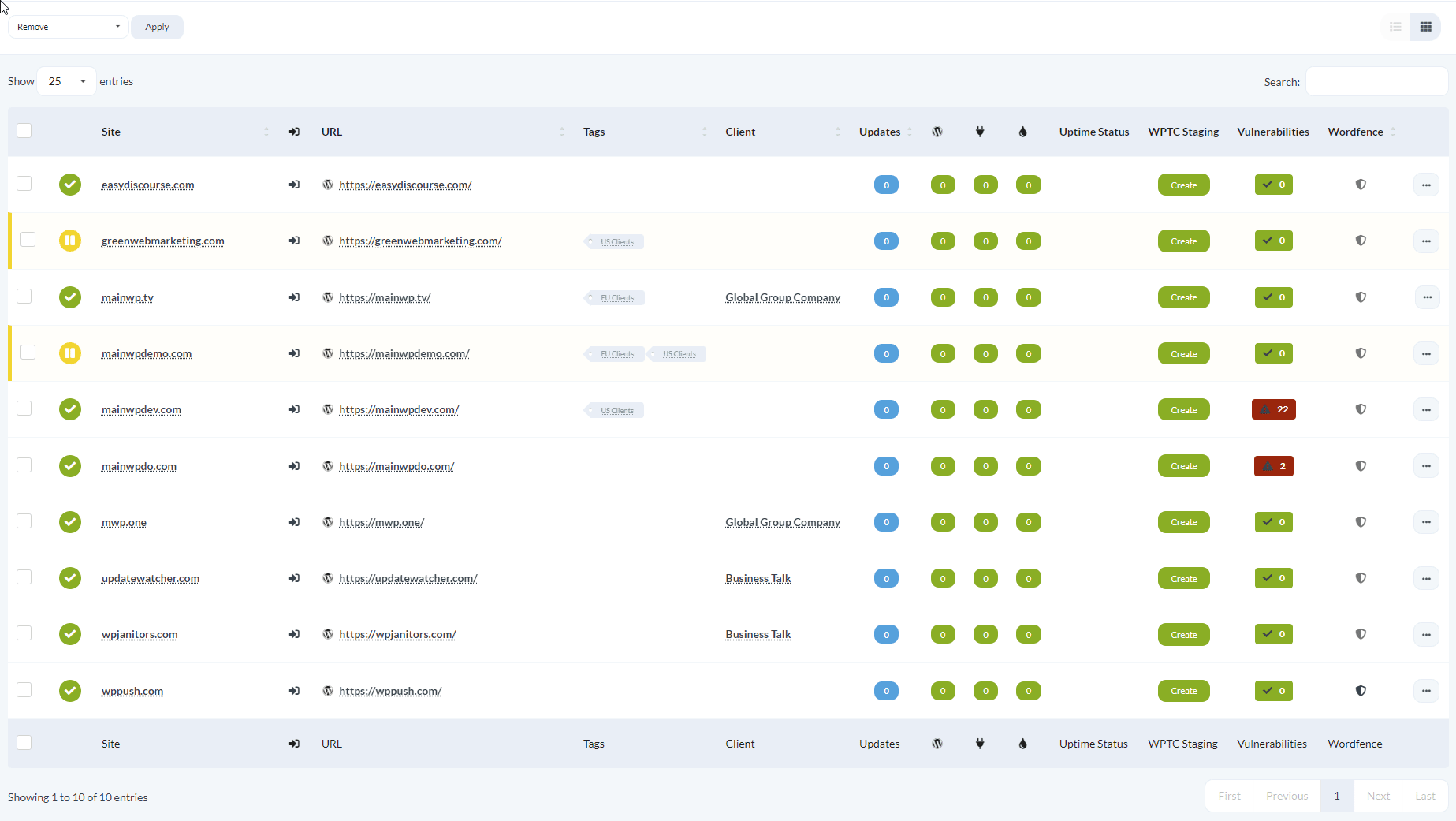
When to Use Each View
- Table mode: Best for sorting, filtering, comparing site details across multiple columns, and accessing the full set of site options
- Grid mode: Best for quick visual scanning when you recognize sites by their appearance